
What is a Network Video Recorder (NVR)? A Simple Guide for Beginners
Let’s be honest. When you hear words like “Network Video Recorder” or “NVR,” it sounds complicated. Too many technical words, right?
But don’t worry. It’s actually pretty simple once you understand the basics.
In this guide, we’ll explain what an NVR is in very easy words. No confusing tech talk. No complicated diagrams. Just simple explanations that anyone can understand.
By the end, you’ll know exactly what an NVR does and why so many people use it for their security cameras.
What is an NVR? The Simple Answer
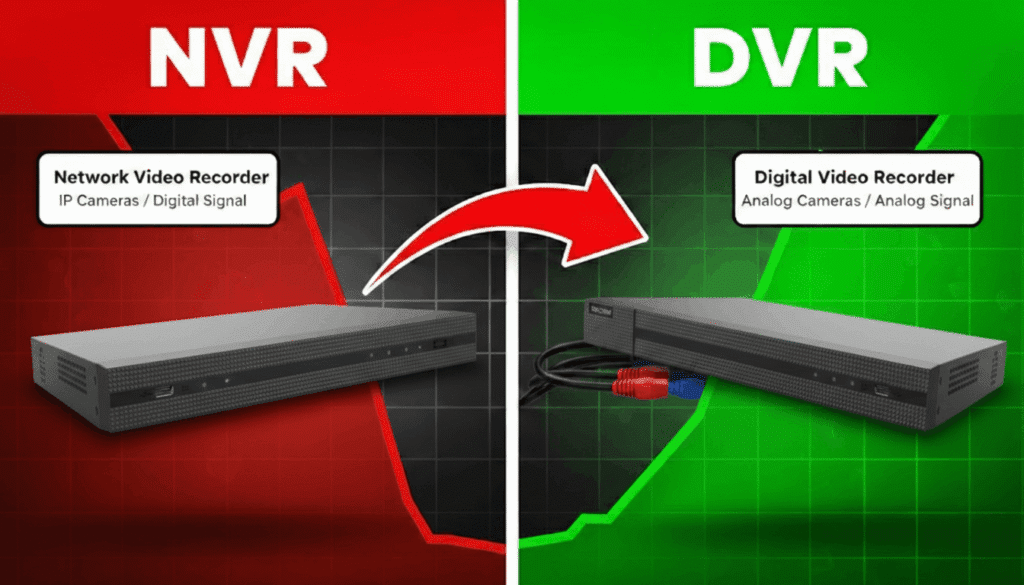
NVR stands for Network Video Recorder.
Think of it like this: You know how your phone saves photos in a folder? An NVR does the same thing — but for videos from your security cameras.
It’s a special box that:
- Connects to your security cameras
- Records all the videos they capture
- Saves those videos so you can watch them later
- Lets you see live camera views on your TV, computer, or phone
That’s it. That’s what an NVR does.
The word “Network” is there because everything connects through cables or WiFi — like how your computer connects to the internet.
For a more technical definition, you can read what is NVR from security experts. But honestly, the simple version above is all you need to know.
The Main Parts of an NVR System
An NVR system has a few important parts. Let’s look at each one in simple words.
IP Cameras — The Eyes
These are your security cameras. They watch everything and record videos. The “IP” part means they can connect to a network — like your home WiFi or office internet.
These cameras are pretty clever. They don’t just record video. They also:
- Work in the dark with night vision
- Hear sounds with built-in microphones
- Spot movement and send you alerts
Ethernet Cables — The Roads
These are the wires that connect your cameras to the NVR. Think of them like roads that carry the video from camera to the recorder.
Most systems use cables called Cat5e or Cat6. They’re thin, flexible, and easy to hide along walls.
Power over Ethernet (PoE) — One Cable Does Two Jobs
This is really clever. Normally, a camera needs two things: power (electricity) and a way to send video. That means two cables.
But with PoE, one single cable does both jobs. It gives power to the camera AND carries the video back to the NVR.
Less cables = less mess = easier installation.
Hard Drive — The Memory
This is where all your videos are saved. It’s like the memory in your phone, but much bigger.
The bigger the hard drive, the more videos you can save.
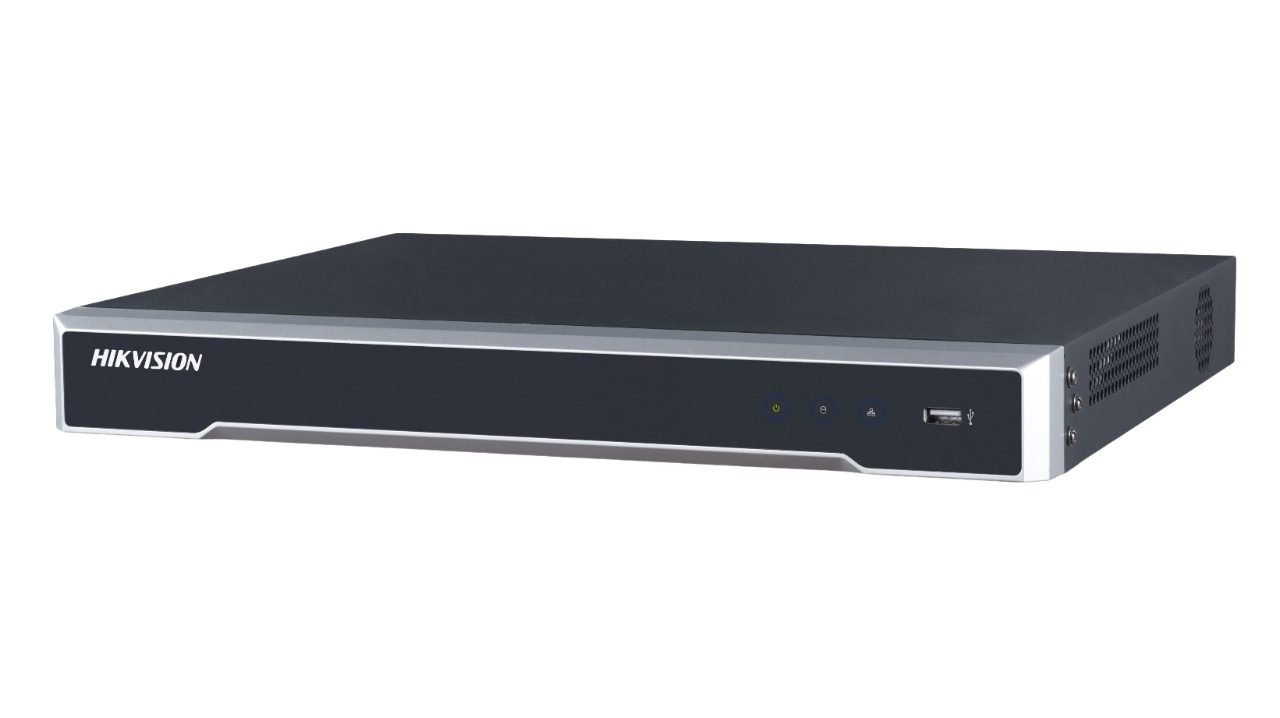
The NVR Box — The Brain
This is the main unit. It receives videos from all cameras, saves them on the hard drive, and lets you watch everything on a screen.
This Network video recorder guide explains each part in more detail if you want to go deeper.
You can browse the GCCTVMS shop to see what NVR equipment looks like.
How Does an NVR Work? Step by Step
Let’s break it down into simple steps.
Step 1: Camera Captures Video
Your IP camera is always watching. It captures everything happening in front of it — people walking, cars moving, doors opening.
Step 2: Camera Makes Video Digital
The camera turns what it sees into digital data. Think of it like converting a drawing into a computer file. This happens inside the camera itself.
Step 3: Video Travels to the NVR
The digital video travels through the Ethernet cable (or WiFi) to reach the NVR box. Because it’s digital, the video stays clear even if the cable is very long — up to 100 meters!
Step 4: NVR Saves the Video
The NVR receives the video and saves it on the hard drive. It also makes the video files smaller (called compression) so they don’t take up too much space.
Step 5: You Watch the Videos
Now you can watch everything. Live or recorded. On your TV, computer, or mobile phone. From home or from anywhere in the world.
That’s the whole process. Camera records, sends to NVR, NVR saves it, you watch it.
Check out GCCTVMS services if you need professional help setting up your system.
Why Do People Use NVR Systems?
Good question. There are many reasons why NVR is popular for security.
Very Clear Picture Quality
NVR systems support HD and 4K video. That means super clear footage. You can see faces clearly. You can read number plates on cars. No blurry or grainy images.
Watch From Anywhere
Because NVR connects to your network, you can watch your cameras from anywhere. At work? Open your phone app. On vacation? Check your cameras from the hotel. As long as you have internet, you can see what’s happening at home or your shop.
One Cable Does Everything
With PoE, you only need one cable per camera. This makes installation much easier and cleaner. No messy wires everywhere.
Easy to Add More Cameras
Want to add another camera next year? No problem. Just plug it into the network. You don’t need to change the whole system.
Cameras Can Be Far Away
Your cameras can be up to 100 meters away from the NVR without losing video quality. This is great for big properties, warehouses, or factories.
Sound Recording Too
Many IP cameras have microphones. So you don’t just see what happened — you hear it too. All through the same cable.
Many top 10 surveillance companies in Pakistan recommend NVR systems because of these benefits.
Where Can You Use an NVR?
NVR systems work great in many places. Here are some examples:
Homes
Keep an eye on your house when you’re at work or traveling. Watch your front door, backyard, or parking area. Check on your kids or elderly parents.
Shops and Retail Stores
Monitor customers and staff. Prevent theft. See what’s happening even when you’re not at the shop.
Offices
Track who comes in and goes out. Monitor common areas. Keep your workplace safe.
Warehouses and Godowns
Cover large areas with multiple cameras. Watch inventory and loading areas. Prevent unauthorized access.
Schools and Colleges
Keep students safe. Monitor corridors, gates, and playgrounds. Have video proof if any incident happens.
Factories and Manufacturing Units
Watch production areas. Monitor worker safety. Keep an eye on expensive machinery.
Need help setting up? Read about best CCTV installation services in Karachi for professional support.
NVR Storage — Where Do Your Videos Go?
When your cameras record videos, those files need to go somewhere. There are two main options.
Local Storage
This means videos are saved on a hard drive inside the NVR box. It sits right there in your home or office.
Good things about local storage:
- You own the hard drive
- No monthly fees
- Works even without internet
- Videos are private and in your control
Cloud Storage
This means videos are saved on the internet — on servers far away. Like how your photos save to Google Photos.
Good things about cloud storage:
- If someone steals your NVR box, videos are still safe online
- You can access videos from anywhere easily
- Automatic backup
- No worry about hard drive failing
Many people use both. Save videos locally AND upload to the cloud. Double protection.
Understand the difference with this cloud vs local storage for your CCTV footage guide.
You can also learn about pros and cons of moving your video recorder to a cloud NVR for more details.
Things to Think About Before Buying an NVR
Before you buy, here are some important things to consider.
How Many Cameras Do You Need?
NVR systems come in different sizes:
- 4 channel = up to 4 cameras
- 8 channel = up to 8 cameras
- 16 channel = up to 16 cameras
- And bigger for large properties
Think about how many areas you want to cover. Then pick the right size.
Check out the Turbo HD DVR 4 Channel for small homes or shops.
Or the Turbo HD DVR 8 Channel for bigger spaces.
How Much Storage Space?
More cameras and higher quality video means more storage needed. A small home system with 4 cameras might need 1-2 TB. A bigger setup might need 4 TB or more.
Think about how many days of footage you want to keep.
Will Your Network Handle It?
NVR systems use your network. If you have many cameras recording in high quality, it uses internet bandwidth. Make sure your network can handle it without slowing down.
Keep It Safe From Hackers
Because NVR connects to the internet, bad people might try to access it. Protect yourself:
- Use strong passwords (not “1234” or “password”)
- Update the software regularly
- Don’t share login details
Where Will You Put the NVR Box?
The NVR box should be hidden and safe. If a burglar breaks in, you don’t want them to find and steal the recorder. Put it in a locked room, cupboard, or somewhere not obvious.
This NVR guide has more technical terms explained if you want to learn more.
Common Words You’ll Hear (Simple Meanings)
When shopping for NVR systems, you’ll hear some technical words. Here’s what they mean in simple language:
IP Camera — A camera that connects to your network or internet. IP stands for Internet Protocol.
PoE (Power over Ethernet) — A system where one cable gives both power and video connection to the camera.
Channel — One spot for one camera. A 4-channel NVR can connect 4 cameras. An 8-channel can connect 8.
Codec (H.264, H.265) — The method used to make video files smaller. H.265 is newer and makes smaller files than H.264.
Remote Access — The ability to watch your cameras from far away using phone or computer.
Resolution — How clear the picture is. Higher resolution = clearer picture. Common ones are 1080p (Full HD) and 4K (Ultra HD).
HDD — Hard Disk Drive. The storage device where videos are saved.
Where to Get an NVR System in Pakistan
Buying from trusted sellers matters a lot. You want:
- Genuine products with warranty
- Proper installation support
- Someone to call when something goes wrong
Cheap products from unknown sellers might save money now. But they often fail quickly and have no support.
Find out who is the largest surveillance camera distribution company in Pakistan to understand your options.
GCCTVMS is one of the trusted names. They don’t just sell products — they help with installation and provide after-sales support.
Learn more about GCCTVMS and what they offer.
Final Thoughts (Updated)
So there you have it. A Network Video Recorder (NVR) is simply a smart box that records and saves videos from your security cameras.
It sounds complicated at first. But really, it’s just:
- Cameras watching
- Cables connecting
- NVR saving
- You watching
Whether you’re protecting your home, shop, office, or factory — an NVR system gives you eyes everywhere, even when you’re not there.
The technology is easier to use than ever. You can check cameras from your phone. You get clear, sharp videos. And everything is recorded so you have proof if something happens.
But here’s something to think about: Who watches the cameras when you’re sleeping? Or busy with work? Or on vacation?
That’s where professional monitoring comes in. Instead of just recording videos and checking them later, trained professionals can watch your cameras live — all day, all night. If something suspicious happens, they spot it immediately and alert you or the authorities.
Check out 24/7 live CCTV monitoring services to see how this works. It’s like having a security guard who never sleeps.
Not so scary after all, right?
Ready to set up your NVR system? Contact GCCTVMS for help. They’ll guide you through everything — from choosing the right system to getting it installed properly.
What does NVR stand for?
NVR stands for Network Video Recorder. It’s a device that records and stores video footage from IP cameras connected through a network
Can I watch my NVR cameras on my phone?
Yes, you can. Most NVR systems come with mobile apps. As long as your NVR is connected to the internet, you can watch live or recorded videos from anywhere using your smartphone
How many cameras can one NVR handle?
It depends on the NVR size. Common options include 4-channel (4 cameras), 8-channel (8 cameras), 16-channel (16 cameras), and larger systems for big properties. Pick based on how many areas you want to cover
Does NVR need the internet to work?
For basic recording, no. The NVR can record videos locally without the internet. But if you want to watch cameras from your phone when you’re away from home, you’ll need an internet connection
How long will my NVR save videos?
It depends on your hard drive size, number of cameras, and video quality settings. A small system might store 7-14 days of footage. Larger hard drives can store weeks or even months of recordings