

Advantages of NVR: 8 Real Benefits You Should Know
You know what an NVR is. You’ve read the basics.
Now you want to know: Why should I actually buy one?
Fair question. NVR systems cost more than DVRs. You need a good reason to spend that extra money.
This guide gives you 8 real advantages of NVR—no fluff, no repeating basics. Just clear benefits that matter for your home security or business.
Let’s get into it.
1. NVR is Sharper – Much Better Picture Quality
This is the biggest advantages of NVR. The picture quality is noticeably sharper than DVR systems.
Why?
DVR systems use analog cameras. The signal travels through coax cable, gets converted to digital at the recorder, and loses quality along the way.
NVR systems use IP cameras. The camera itself converts video to digital. No conversion at the recorder. No quality loss.
What this means for you:
- Faces are clearer – you can actually identify people
- License plates are readable
- Small details (like what someone is holding) are visible
- Digital zoom actually works without turning blurry
For camera security, clarity matters. A blurry face on footage is useless when you need to file a police report.
This DVR vs. NVR comparison explains the technical differences in picture quality.
If you’re still comparing options, read our guide on What’s better, DVR or NVR? for a detailed breakdown.
2. Remote Access – Watch Cameras From Anywhere
NVR systems connect to your network. That means you can watch your cameras from anywhere with internet.
At work? Check your home cameras.
On vacation? See what’s happening at your shop.
In another city? Monitor all your properties from one phone app.
This remote access works on:
- Android phones
- iPhones
- Tablets
- Laptops
- Desktop computers
Most NVR brands have free apps. Setup takes 10-15 minutes.
DVR systems can do this too, but NVR makes it easier. The network connection is already built-in. No extra configuration needed.
For more on remote capabilities, check this guide on the best NVR camera system options with mobile access.
3. One Cable Does Two Jobs (PoE)
This advantages of NVR saves you money and headaches.
PoE stands for Power over Ethernet. One cable carries both video AND power to the camera.
With DVR (analog):
- One coax cable for video
- One power cable for electricity
- Two cables per camera
- Power outlets needed near each camera
With NVR (PoE):
- One Ethernet cable for everything
- Power comes through the same cable
- One cable per camera
- No power outlets needed near cameras
Fewer cables = cleaner installation = lower installation cost.
This matters when you’re mounting cameras far from power outlets. Running one cable is way easier than running two.
The NVR in CCTV and the benefits guide explains PoE in more technical detail.
4. Easy to Add More Cameras
Growing your system with NVR is simple.
With DVR, adding cameras means:
- Running new coax cables
- Making sure you have enough BNC ports
- Possibly buying a bigger DVR
With NVR, adding cameras means:
- Connect camera to your network (wire or WiFi)
- Add it to your NVR through the software
- Done
IP cameras just need network access. They don’t need a direct cable to the recorder.
You can even add cameras in different buildings – as long as they’re on the same network.
Example: You have a shop with 4 cameras today. Next year, you want to add 2 more for the stockroom. With NVR, you just plug them into your network switch. No rewiring. No technician visit.
Browse NVR products to see options with different channel counts for future expansion.
5. Better for Home Security Systems
If you’re setting up home security, NVR fits better than DVR.
Here’s why:
Wireless options. Many IP cameras work on WiFi. No cables running through your house. Clean installation.
Smart home service integration. IP cameras often connect to smart home systems. Alexa. Google Home. Home automation apps. DVR cameras don’t do this.
Flexible placement. Want a camera in the garden shed? With NVR, it just needs WiFi. With DVR, you’d run coax cable across the yard.
Better indoor cameras. Most modern indoor cameras (pan-tilt, two-way audio, motion tracking) are IP cameras. They work with NVR, not DVR.
For home security setups, check out our top 10 CCTV cameras for small shops – many work great for homes too.
This NVR vs. DVR guide covers home security considerations in detail.
6. Longer Cable Runs Without Quality Loss
Analog cables (coax) lose signal quality over distance. After 90-100 meters, the picture starts degrading.
Ethernet cables (for NVR) run up to 100 meters without any quality loss. And if you need longer? Add a simple network switch and extend another 100 meters.
This matters for:
- Large warehouses
- Factory floors
- Parking lots
- Multi-building properties
- Farms and agricultural land
With NVR, distance isn’t a problem. The digital signal stays perfect.
Read more about NVR basics in our guide on What is a Network Video Recorder (NVR)?
7. Audio Recording is Standard
Most IP cameras have built-in microphones. Audio recording comes standard.
With DVR systems, audio is complicated. You need separate audio cables, special cameras with audio output, and DVR models that support audio input. Most people skip it because it’s too much hassle.
With NVR, audio travels through the same Ethernet cable as video. No extra wiring. No extra setup.
Why audio matters:
- Hear conversations at cash counter
- Detect glass breaking or alarms
- Get more context for incidents
- Two-way talk on some cameras (talk to visitors or warn intruders)
For camera security, audio adds another layer of evidence and awareness.
8. Future-Proof Technology
Analog cameras are old technology. Manufacturers are slowly phasing them out. New features come to IP cameras first.
Features only available on IP cameras:
- 4K and higher resolution
- AI motion detection (person vs car vs animal)
- Facial recognition
- License plate reading
- Smart search (find specific events quickly)
- Cloud backup options
When you buy NVR, you’re investing in technology that keeps improving. When you buy a DVR, you’re investing in technology that’s becoming outdated.
Five years from now, NVR systems will have features we can’t imagine today. DVR systems will be exactly the same.
Check out NVR security systems to see modern features available now.
Quick Summary: All 8 Advantages of NVR
| Advantage | What It Means |
| Sharper picture | IP cameras are better quality than analog |
| Remote access | Watch from phone anywhere |
| PoE (one cable) | Power and video in single cable |
| Easy expansion | Add cameras without rewiring |
| Home security friendly | WiFi cameras, smart home integration |
| Long cable runs | 100m+ without quality loss |
| Built-in audio | Microphone standard on most IP cameras |
| Future-proof | New features come to IP/NVR first |
NVR vs. DVR—Quick Comparison
Still comparing? Here’s the simple truth.
| Feature | DVR | NVR |
| Picture quality | Good | Better (sharper) |
| Cabling | 2 cables per camera | 1 cable (PoE) |
| Remote viewing | Possible | Easier |
| Adding cameras | Requires rewiring | Plug into the network. |
| Audio | Complicated | Built-in |
| Smart home | No | Yes |
| Future updates | Limited | Ongoing |
| Cost | Lower upfront | Higher upfront, better value |
DVR costs less initially. But NVR gives you more for your money long-term.
Still unsure? Read about what NVRs are used for in practical use cases.
Compare with DVR in our DVR products section to see price differences.
Where to Buy NVR in Pakistan
Buying from trusted sellers matters. You want:
- Genuine products with warranty
- Proper after-sales support
- Installation help if needed
Check out the top 10 surveillance companies in Pakistan for trusted options.
Or find out who is the largest surveillance camera distribution company for reliable purchases.
Need installation help? Check out the best CCTV installation services in Karachi.
NVR Records – But Who Watches?
Here’s what most people miss.
Your NVR records everything. Excellent. But who actually watches?
You’re busy. Running your business. Managing your home. You can’t stare at camera screens all day. At night? You’re sleeping.
Recording doesn’t prevent crime. It just gives evidence after something happens. By then, the loss has already occurred.
Real security = someone watching live.
At GCCTVMS, we don’t just talk about advantages of NVR. We add real value by watching your cameras 24/7.
Our Security Operations Center (SOC) has trained staff monitoring around the clock. When something suspicious happens:
- Monitor – We watch your feeds live
- Verify – We confirm the threat
- Alert – We notify you immediately
- Action – We coordinate with authorities if needed
NVR gives you sharper footage. We give you active protection.
Read more on our GCCTVMS blogs for security tips and guides.
Ready to discuss your security setup? Book a free 30-minute meeting with our team. No pressure. Just honest advice about what works for your situation.
FAQ’s
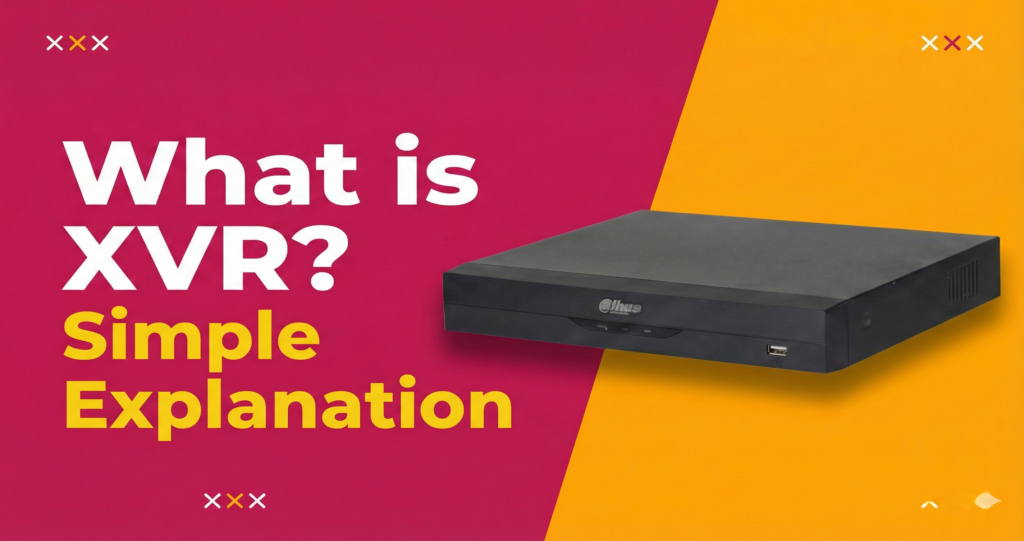
What is XVR vs NVR?
XVR (Extended Video Recorder) works with multiple camera types — analog, HD-TVI, HD-CVI, AHD, and IP cameras. NVR (Network Video Recorder) works with IP cameras only. XVR is flexible for mixed systems. NVR gives better quality but requires all IP cameras.
Which is better DVR or XVR?
XVR is better. A DVR only works with old analog cameras. An XVR works with analog cameras PLUS HD cameras AND IP cameras. If you’re buying new, skip DVR and go straight to XVR. It costs slightly more but gives you way more flexibility.
What are the benefits of using an XVR?
XVR gives you flexibility. You can use old analog cameras with new HD cameras on the same recorder. You upgrade gradually without replacing everything. It supports 5 different camera formats. One device handles your entire mixed system.
Which is better 3K or 4K CCTV?
4K is better for picture quality — it has more pixels, so you see more detail. But 4K cameras cost more and need more storage space. 3K is a good middle ground — clearer than 1080p but cheaper than 4K. For most small shops, 3K is enough. For cash counters or entrances where you need to see faces clearly, 4K is worth it.
Can CCTV work without NVR?
Yes, but with limits. Some IP cameras have SD card slots and record directly. You can watch live footage without an NVR. But for proper recording, storage, playback, and managing multiple cameras – you need an NVR (or XVR/DVR depending on your camera type). Without a recorder, you lose most of the security benefits.