
What are NVRs Used For? A Quick Guide
You keep hearing the word “NVR” but nobody explains it simply.
Don’t worry. This guide is short. No technical jargon. Just quick answers to your questions about NVRs.
Let’s get straight to it.
What is an NVR?
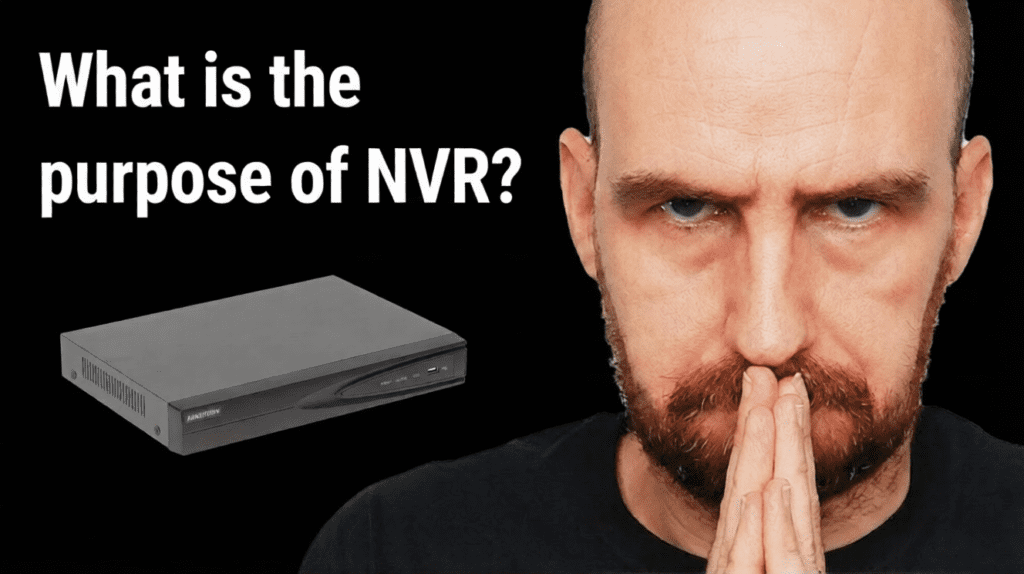
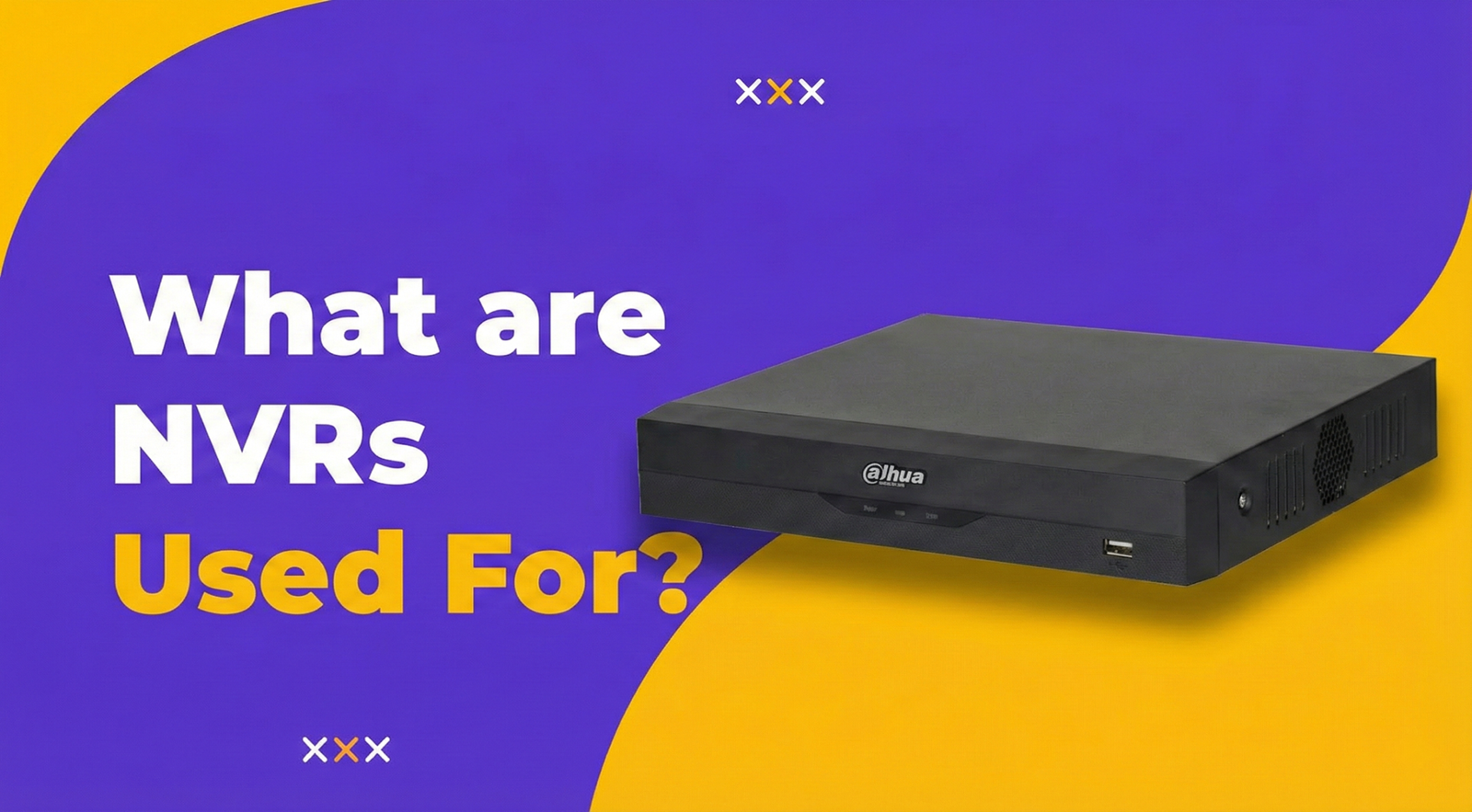
NVR stands for Network Video Recorder.
Think of it as a box that saves videos from your security cameras. That’s it.
Your IP cameras record video. The NVR stores that video. Later, you can watch what happened — live or recorded.
It’s called “Network” Video Recorder because everything connects through your network — like your home WiFi or office internet.
For a detailed explanation, read What is a Network Video Recorder (NVR)? on our blog. Security experts also explain what is NVR in more technical terms.
How Do NVRs Work?
Here’s the simple version:
- Your IP camera watches and records video
- Camera sends video through network cable or WiFi
- NVR receives the video
- NVR saves it on a hard drive
- You watch on TV, computer, or phone
The camera does the hard work (encoding video). The NVR just stores and organises it.
That’s why NVRs work so smoothly. The camera handles processing. The NVR handles storage.
This network video recorder guide explains the technical process if you want more details.
Want to understand how NVRs compare to DVRs? Read What is a Digital Video Recorder (DVR)? or check What’s Better, DVR or NVR? for a direct comparison.
What is the Purpose of NVR?
The main purpose of NVR is simple: save your camera footage so you can watch it later.
Without an NVR, your cameras show live video only. Nothing gets saved. When something bad happens at 3 AM, you have no proof.
With an NVR:
- Footage is recorded 24/7
- Videos are stored for days, weeks, or months
- You can go back and check what happened
- You can watch live from anywhere
- Multiple cameras are managed from one place
That’s the purpose of NVR — recording, storing, and letting you access footage whenever you need it.
Main Functions of NVR Systems
NVRs do more than just record. Here are the key functions of NVRs in IP surveillance.
Recording
The NVR records video continuously or only when motion is detected. You choose.
Live Viewing
Watch all your cameras in real-time on a monitor or your phone.
Playback
Search footage by date, time, or specific camera. Find exactly what you need.
Motion Alerts
Get notifications when movement is detected. Know when something happens.
Storage Management
When the hard drive is full, the NVR automatically deletes oldest footage to make room for new recordings.
Multi-Camera Support
One NVR can handle 4, 8, 16, or even more cameras. All managed from one screen.
Browse NVR products to see options for your setup.
Can You Access NVR Remotely?
Yes. This is one of the best things about modern NVRs.
You can watch your cameras from anywhere using your phone or computer. At work? Check your home cameras. On vacation? See what’s happening at your shop.
Here’s what you need for NVR remote access:
- Internet connection at the NVR location
- Mobile app on your phone (Android or iPhone)
- Or web browser on your computer
Most NVR brands have their own apps. Setup takes about 10 minutes.
This guide on NVR remote access explains the process step by step. You can also check how to access NVR remotely for TP-Link systems.
Remote viewing is perfect for business owners who travel or want to check on their property without being there.
Where are NVRs Used?
NVRs work anywhere you need to record security camera footage.
Homes — Watch your property when you’re away at work or traveling.
Retail Shops — Monitor cash counter, entrance, and stockroom.
Offices — Track who comes in and out. Secure meeting rooms and parking.
Warehouses — Cover large areas with multiple cameras.
Construction Sites — Protect expensive equipment overnight.
Schools and Hospitals — Campus-wide surveillance with central management.
See cameras that work with NVRs in our guide on top 10 CCTV cameras for small shops.
Need installation help in Karachi? Check out best CCTV installation services in Karachi.
Quick Benefits of NVRs
Here’s why people choose NVRs:
- Better picture quality — supports 1080p, 4K, and higher
- One cable does two jobs — PoE gives power and video through single cable
- Easy remote viewing — watch on phone from anywhere
- Flexible placement — cameras just need network access
- Simple expansion — add more cameras without rewiring
- Future-ready — digital systems are easier to upgrade
NVR Records — But Who Watches?
Here’s something important.
Your NVR records everything. Great. But who actually watches it?
You’re busy. Running your business. Managing staff. Dealing with customers. You don’t have time to stare at camera screens all day. And at night? You’re sleeping.
So what happens?
The NVR keeps recording. Footage piles up. And you only check it AFTER something bad happens.
By then, the thief is gone. The damage is done. You have evidence, sure. But you’ve already lost money.
Recording doesn’t stop crime. Watching in real-time does.
This is where professional monitoring changes everything.
At GCCTVMS, we don’t just sell NVRs and cameras. We watch them for you.
Our Security Operations Center (SOC) has trained staff monitoring cameras 24 hours a day, 7 days a week. Real people. Real eyes. Watching your property even when you can’t.
How it works:
- Monitor — We watch your live camera feeds around the clock
- Verify — When something suspicious happens, we confirm if it’s real
- Alert — We immediately inform you or your staff
- Action — If needed, we coordinate with authorities for quick response
You sleep peacefully. We stay awake watching.
Learn more about GCCTVMS and check ourservices.
Want to discuss your security needs? Book a free 30-minute meeting with our team. No pressure. Just honest advice about what works for your situation.
Or Contact Us directly if you prefer.
FAQ’s
What does NVR stand for?
NVR stands for Network Video Recorder. It’s a device that records and stores video footage from IP cameras connected through a network.
How do NVRs work with IP cameras?
IP cameras capture and encode video digitally. They send this digital video through network cables or WiFi to the NVR. The NVR then stores the footage on its internal hard drive for later viewing.
Can I view NVR remotely on my phone?
Yes. Most modern NVRs support remote viewing through mobile apps. As long as your NVR is connected to the internet, you can watch live or recorded footage from anywhere on your phone or computer.
What is the main purpose of NVR?
The main purpose of NVR is to record, store, and manage video footage from IP cameras. It allows you to watch live feeds, playback recorded footage, receive motion alerts, and access your cameras remotely.
How many cameras can an NVR support?
It depends on the NVR model. Common options include 4-channel (4 cameras), 8-channel (8 cameras), 16-channel (16 cameras), and larger systems for commercial use. Always buy an NVR with more channels than your current camera count for future expansion.