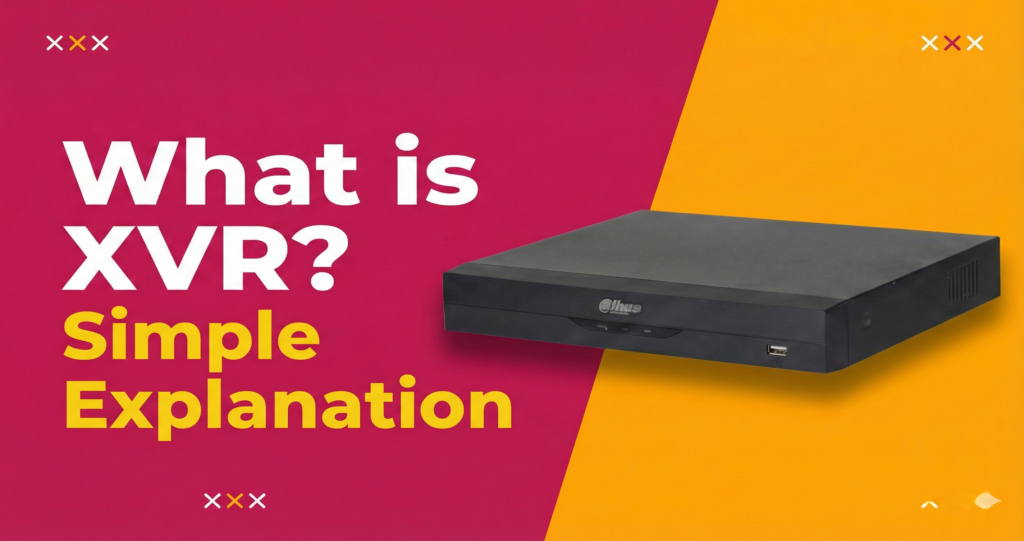

What is a Digital Video Recorder (DVR)? A Simple Guide for Beginners
You bought CCTV cameras. Great.
But now someone told you that you need a DVR too. And you’re thinking — what is that? Another expense? Do I really need it?
Yes, you do. And don’t worry. It’s not complicated.
A DVR is what saves your camera footage. Without it, your cameras are just showing live video that nobody records. When something bad happens, you have no proof. No evidence. Nothing to show the police.
That’s why you need a DVR.
In this guide, we’ll explain everything about DVR in simple words. What it is. How it works. Which one to buy? No confusing technical talk. Just plain answers for regular people.
Let’s start.
What is a DVR? The Simple Answer
DVR stands for Digital Video Recorder.
Think of it like this: Remember those old VCR machines that recorded TV shows on tapes? A DVR does the same thing — but for your security cameras. And instead of tapes, it saves videos on a hard drive.
Here’s what a DVR does:
- Receives video from your CCTV cameras
- Converts it to a digital format
- Saves it on a hard drive
- Let’s you watch live or recorded footage
- Allows you to view cameras on your phone
That’s it. That’s the basic job of a DVR.
For a technical definition, Digital Video Recorder on Wikipedia explains the full history. But honestly, the simple version above is all you need.
You can also read more about what is DVR from security experts if you want deeper details.
The Main Parts of a DVR System
A DVR is a box with several important parts inside and outside. Let’s look at each one.
The DVR Box
This is the main unit. It looks like a small computer or cable TV box. Everything connects to it.
Hard Drive Inside
This is where all your videos are saved. Bigger hard drive = more days of recording. Most DVRs come with 500GB to 2TB storage.
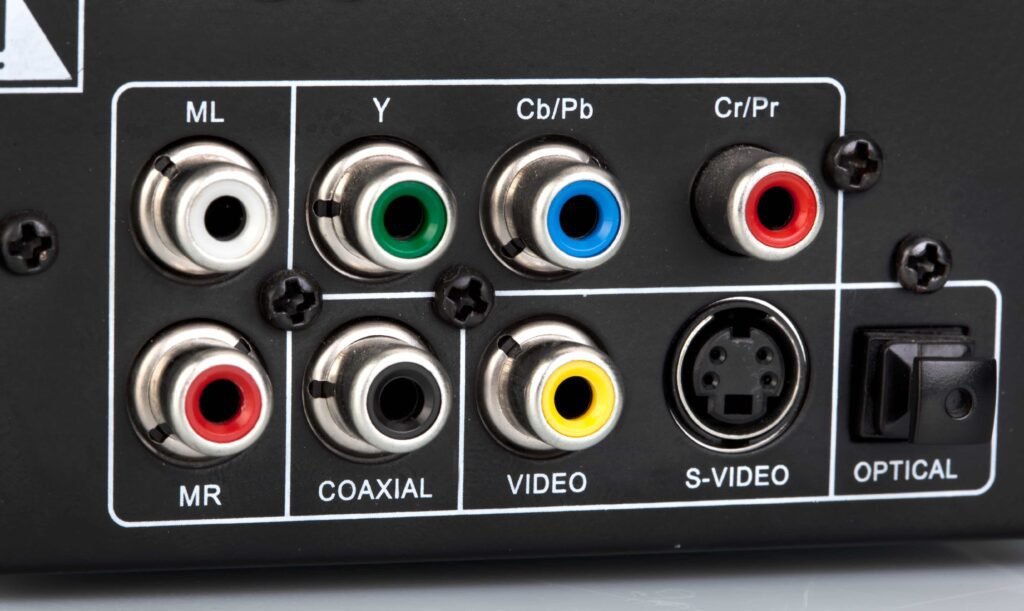
Video Inputs (BNC Ports)
These are holes where your camera cables plug in. A 4-channel DVR has 4 holes. An 8-channel DVR has 8 holes. Simple.
Monitor Output
This connects to your TV or computer screen so you can watch the cameras.
Network Port
This connects to your internet router. It lets you watch cameras on your phone from anywhere.
Power Supply
The DVR needs electricity to run. It comes with a power adapter.
See Hikvision digital video recorders for examples of what professional DVR units look like.
How Does a DVR Work? Step by Step
Let’s break it down into simple steps.
Step 1: Cameras Capture Video
Your CCTV cameras watch your shop, home, or office. They capture everything happening in front of them.
Step 2: Video Travels Through Cables
The cameras send video through coax cables (those thick, round wires) to the DVR. This isan analog signal.
Step 3: DVR Converts to Digital
The DVR receives the analog signal and converts it to digital format. This is why it’s called “Digital” Video Recorder.
Step 4: DVR Saves on Hard Drive
The digital video gets compressed (made smaller) and saved on the hard drive inside the DVR.
Step 5: You Watch Anytime
Now you can watch live footage on your TV. Or go back in time to see what happened yesterday. Or open your phone app and watch from anywhere.
This guide on all you need to know about CCTV DVR covers the technical process in more detail.
Why Do You Need a DVR for Your CCTV Cameras?
Some people think cameras are enough. They’re wrong.
Without DVR = No Recording
Your cameras show live video. But if nobody is watching at that exact moment, what’s the point? When a thief comes at 3 AM, are you watching? No. You’re sleeping.
DVR Saves Proof
When something happens — theft, break-in, employee stealing — you need proof. DVR saves that proof. You can show it to the police. Use it in court. Get insurance claims approved.
Watch From Your Phone
Modern DVRs connect to the internet. You can watch your shop cameras while sitting at home. Or check your home cameras while at work. Very useful.
Go Back in Time
Did something happen yesterday? Last week? Open the DVR, select the date and time, and watch exactly what happened.
Complete Audio Video Monitoring System
With the right cameras and DVR, you get both video and sound recording. This creates a proper audio video monitoring system for your property.
If you already have cameras, check our guide on top 10 CCTV cameras for small shops to see which ones work best with DVRs.
DVR Channels Explained — 4, 8, 16 Channel
This confuses many people. Let’s make it simple.
What is a “Channel”?
One channel = one camera spot.
If your DVR has 4 channels, you can connect up to 4 cameras. If it has 8 channels, you can connect up to 8 cameras. That’s all it means.
4 Channel DVR
Best for: Small shops, homes, & small offices.
Connects: Up to 4 cameras.
Good for: Cash counter + entrance + stockroom + parking (4 spots).
Check out the Turbo HD DVR 4 Channel for small setups.
8 Channel DVR
Best for: Bigger shops, medium offices, & restaurants.
Connects: Up to 8 cameras.
Good for: Multiple rooms, larger coverage area.
See the Turbo HD DVR 8 Channel for bigger spaces.
16 Channel DVR
Best for: Warehouses, factories, large commercial spaces.
Connects: Up to 16 cameras.
Good for: Multiple floors, large parking lots, full building coverage.
Pro Tip: Always buy a DVR with more channels than cameras you have now. If you have 3 cameras today, buy a 4-channel DVR. That way you can add one more camera later without buying a new DVR.
Types of DVR — Which One Do You Need?
Not all DVRs are the same. Here are the main types.
Standalone DVR
This is the most common type. A complete box that works on its own. Just plug in cameras, connect to TV, done. Most home cctv dvr and shop systems use this type.
PC-Based DVR
Uses a computer as the recorder. You install software and capture cards. More complicated. Only for tech-savvy users.
Hybrid DVR
Supports both analog cameras (old type) AND IP cameras (new type). Good if you want to upgrade slowly without replacing everything at once.
What About IP DVR Camera Systems?
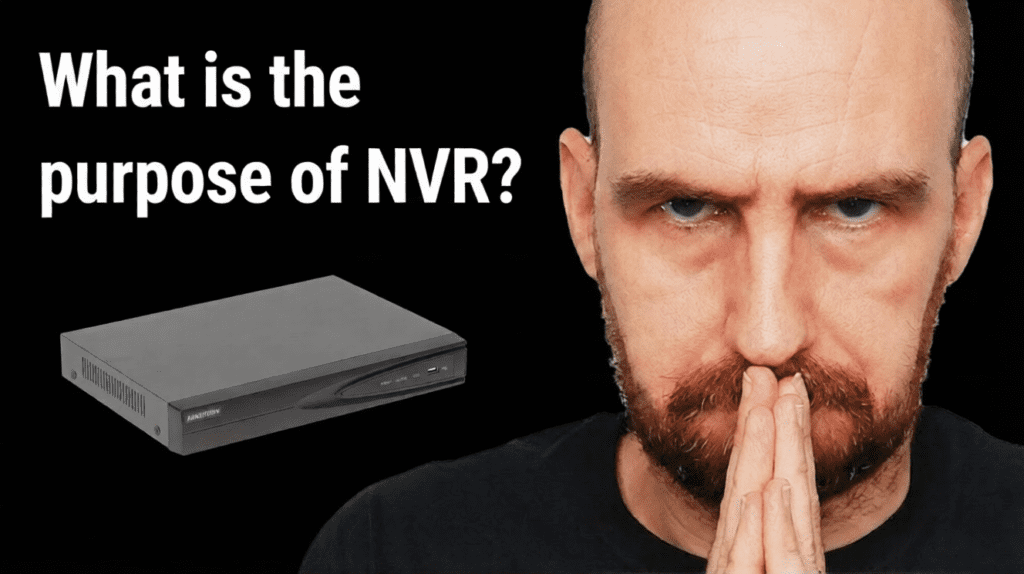
Technically, IP cameras use NVR (Network Video Recorder), not DVR. But some hybrid systems work with both. If you have IP cameras, you might need an NVR instead.
Want to understand the difference? Read what is a Network Video Recorder (NVR) to compare DVR vs NVR.
What to Look for When Buying the Best DVR Camera System
Here’s a simple checklist before you buy.
Number of Channels
Match it to your cameras. Have 4 cameras? Get at least 4-channel DVR. Planning to add more? Get 8-channel.
Resolution Support
DVRs support different video quality. Common options:
- 2MP (1080p) — standard HD, good for most shops
- 5MP — clearer details, see faces better
- 4K — best quality, for serious security needs
Make sure your DVR supports the resolution of your cameras.
Hard Drive Size
Bigger hard drive = more days of storage. For a small shop with 4 cameras:
- 500GB = about 7-10 days
- 1TB = about 15-20 days
- 2TB = about 30+ days
Remote Viewing
Can you watch on your phone? Most modern DVRs have apps. Check if it works easily.
Audio Support
Want to hear sound? Make sure DVR has audio inputs. Pair it with cameras like the 5MP Audio Bullet Camera for clear video with sound.
Brand Reliability
Stick with known brands — Hikvision, Dahua. Cheap unknown brands fail quickly.
For outdoor cameras, the Hikvision DS-2CE17D0T-IT3F gives excellent long-range coverage with DVR systems.
Where Can You Use a DVR System?
DVR systems work in many places.
Home CCTV DVR
Watch your house when you’re at work. Check on kids, elderly parents, or domestic help. See who comes to your door.
Small Shops
Cover cash counter, entrance, stockroom, and parking. Every retail shop needs this basic setup.
Offices
Reception area, meeting rooms, parking lot, server room. Keep track of who enters and exits.
Warehouses
Large spaces with multiple cameras watching inventory, loading areas, and entry points.
Factories
Production floors, storage areas, worker entry/exit points. Industrial-grade cctv security dvr for bigger operations.
Need installation help? Check out best CCTV installation services in Karachi for a professional setup.
Common DVR Problems and Simple Fixes
DVRs are reliable. But sometimes things go wrong. Here are common issues.
“DVR Not Recording”
Usually a hard drive problem. Check if hard drive is connected properly. Or it might be full and needs older footage deleted.
“Can’t See on Phone”
Check your internet connection. Make sure DVR is connected to router. Restart the app.
“Picture is Blurry”
This is usually camera or cable issue, not DVR. Check if camera lens is clean. Check cable connections.
“DVR Making Beeping Sound”
This usually means hard drive warning. The hard drive might be failing or overheating. Back up footage and consider replacement.
When to Call a Professional
If you’ve tried basic fixes and nothing works, call an expert. Don’t open the DVR yourself if you don’t know what you’re doing.
Where to Buy Best DVR Camera System in Pakistan
Buying from trusted sellers matters. Here’s why.
Warranty
Good sellers give proper warranty. If the DVR fails in 6 months, you get a replacement. Random sellers? They’ll disappear.
Genuine Products
Fake DVRs exist. They look real but fail quickly. Trusted sellers stock genuine cctv equipment from authorized distributors.
After-Sales Support
When you have problems, who do you call? Good sellers have support teams. Random sellers don’t answer calls.
Installation Help
Some sellers just ship a box. Good sellers help with setup or connect you with installers.
Compare options from top 10 surveillance companies in Pakistan to find reliable suppliers.
You can also check who is the largest surveillance camera distribution company for trusted purchases.
DVR Alone is Not Enough — You Need Someone Watching
Here’s what most people don’t think about.
You bought cameras. You bought a DVR. Everything is recording. Great.
But who is watching?
You’re busy with customers. You’re managing inventory. You’re dealing with suppliers. You can’t stare at a screen all day. And at night? You’re sleeping.
So what happens? Your DVR records everything. But you only check the footage AFTER something bad happens. By then, the thief is gone. The stock is stolen. You have evidence, sure. But you’ve already lost money.
Recording doesn’t stop crime. Watching in real-time does.
This is where professional monitoring makes the difference.
At GCCTVMS, we don’t just sell DVRs and cameras. We watch them for you.
Our Security Operations Center (SOC) has trained staff monitoring cameras 24 hours a day, 7 days a week. Real people. Real eyes. Watching your property even when you can’t.
How it works:
- Monitor — We watch your live camera feeds around the clock
- Verify — When something suspicious happens, we confirm if it’s real
- Alert — We immediately inform you or your staff
- Action — If needed, we coordinate with police for quick response
You sleep peacefully. We stay awake watching.
Understand how monitoring works with this complete beginners guide to CCTV monitoring.
Ready to actually protect your business — not just record crimes after they happen?
Contact GCCTVMS to discuss your needs. Or Get a Free trial of our monitoring services and see the difference yourself.
FAQ’s
What does DVR stand for in CCTV?
DVR stands for Digital Video Recorder. It’s the device that receives video from your CCTV cameras, converts it to a digital format, and saves it on a hard drive for later viewing.
How many cameras can a DVR support?
It depends on the DVR channels. A 4-channel DVR supports up to 4 cameras. An 8-channel DVR supports up to 8 cameras. A 16-channel DVR supports up to 16 cameras. Always buy more channels than your current camera count for future expansion.
Do I need internet for the DVR to record?
No. DVR records footage on its internal hard drive without internet. You only need the internet if you want to watch cameras remotely on your phone from another location.
How long can a DVR store footage?
It depends on hard drive size, number of cameras, and video quality. With a 1TB hard drive and 4 cameras at standard quality, you can store about 15-20 days of footage. Bigger hard drives store more data.
Can I watch DVR cameras on my phone?
Yes. Most modern DVRs have mobile apps for Android and iPhone. You connect the DVR to your internet router, set up the app, and you can watch live or recorded footage from anywhere in the world.